New Design Patterns for the Web: The Infinite Page
I really dislike paging on websites. I hate it when articles are split up into several pages, but I also dislike having to click "next" again and again when going through the list of new articles on sites like Kotaku.1

Working on a site similar to Kotaku,2 I started thinking about this. Once the user has scrolled all the way down on your homepage, chances are he or she wants to see additional articles.3 So why not simply watch the scroll event and dynamically load more articles into the same page once the user gets anywhere near the bottom of the page?
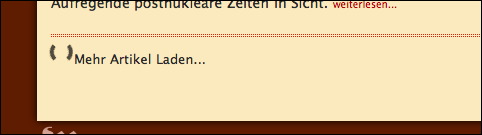
This is pretty simple to achieve using JavaScript and Ajax, and I'd love to see this on more sites. It makes browsing through articles so much more enjoyable.
For the iPhone version of the site, I've replaced the automatic dynamic loading with a huge link at the bottom of the page which loads additional articles into the same page. iPhone users may pay by the amount of data they receive, so I'd rather not load stuff automatically.

Going with a link which loads data into the same screen rather than loading a new screen has the additional advantage of loading less data.
Update
Wolf tells me that this design pattern is called "endless scrolling" or "infinite scrolling" and that Google Reader uses it. Of course, I use Google Reader every day, so that may be where I got the idea :-)
Martin Kühl points out that Aza Raskin has written a great article on this topic.
-
Or on this blog :-) ↩︎
-
Which is in German, so please excuse the German in the screenshots. "Mehr Artikel laden" means "Loading more articles," and "mehr laden..." means "Load more." Yeah, the same German verb can mean either "loading" (as in what the page is currently doing) or "load" (as in a command) :-) ↩︎
-
By the way, I don't claim to have invented this,
but I also don't think I've seen it anywhere else.It's in Google Reader. ↩︎
If you require a short url to link to this article, please use http://ignco.de/86